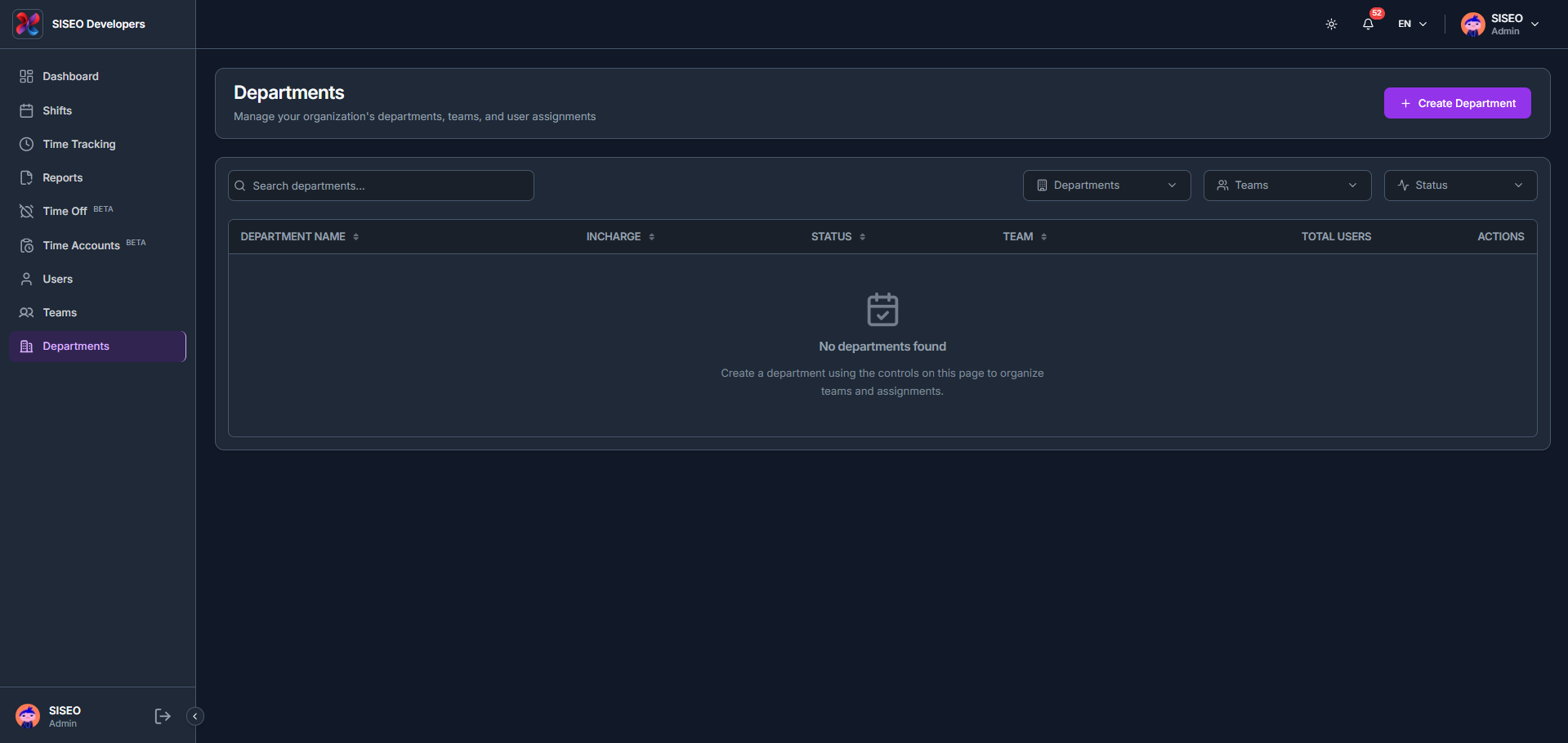
The Departments page lets you manage your organization’s departments, teams, and user assignments, with columns for department name, incharge, status, team, total users and actions.
9.1Overview
9.1.1How to filter departments
- 1
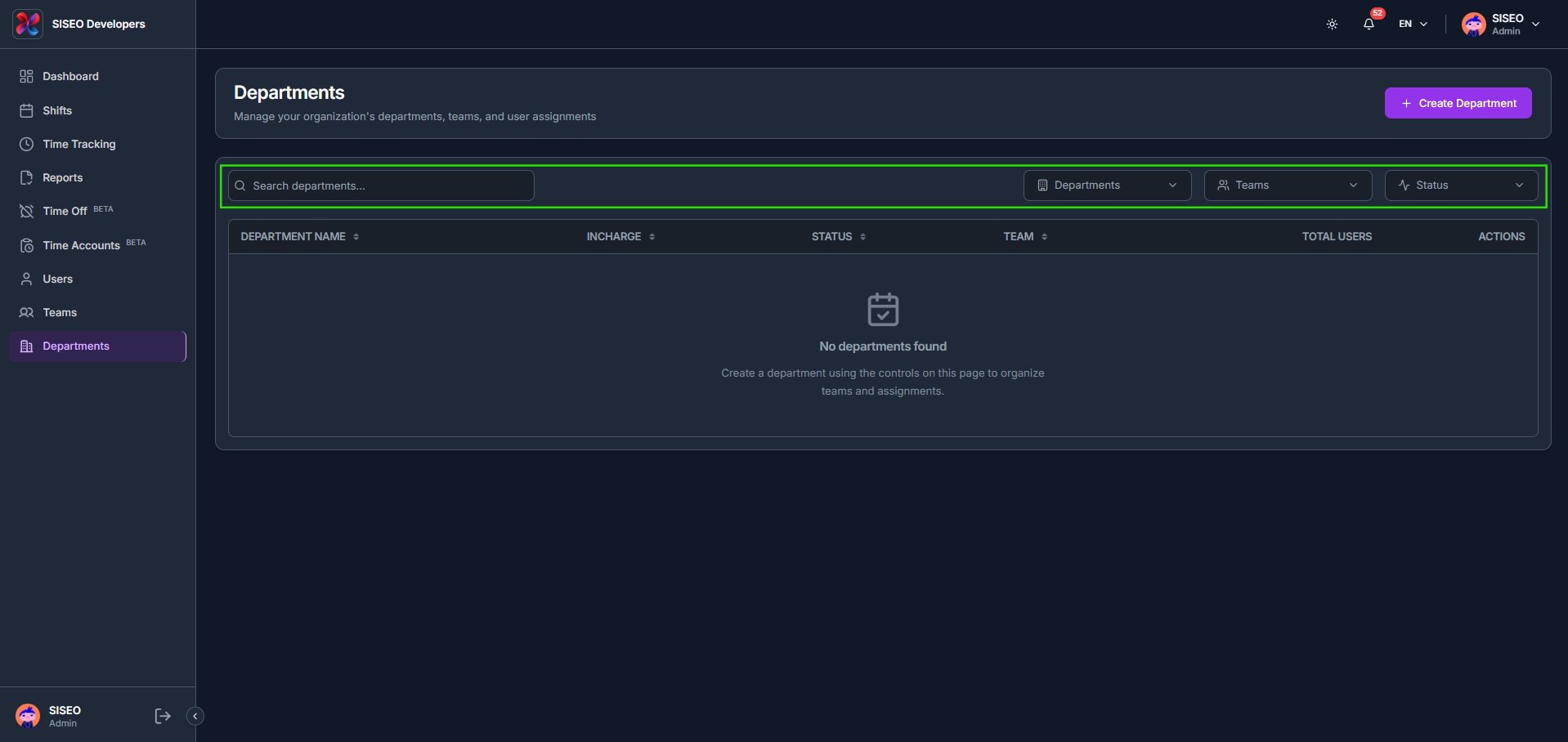
Use Search departments, Departments, Teams and Status above the table.
- 2
The Departments filter searches for and selects specific departments.
- 3
The Teams filter ticks one or more teams to filter departments by.
- 4
The Status filter ticks Active, Inactive or Pending, or click Select All.
9.2How to create a department
- 1
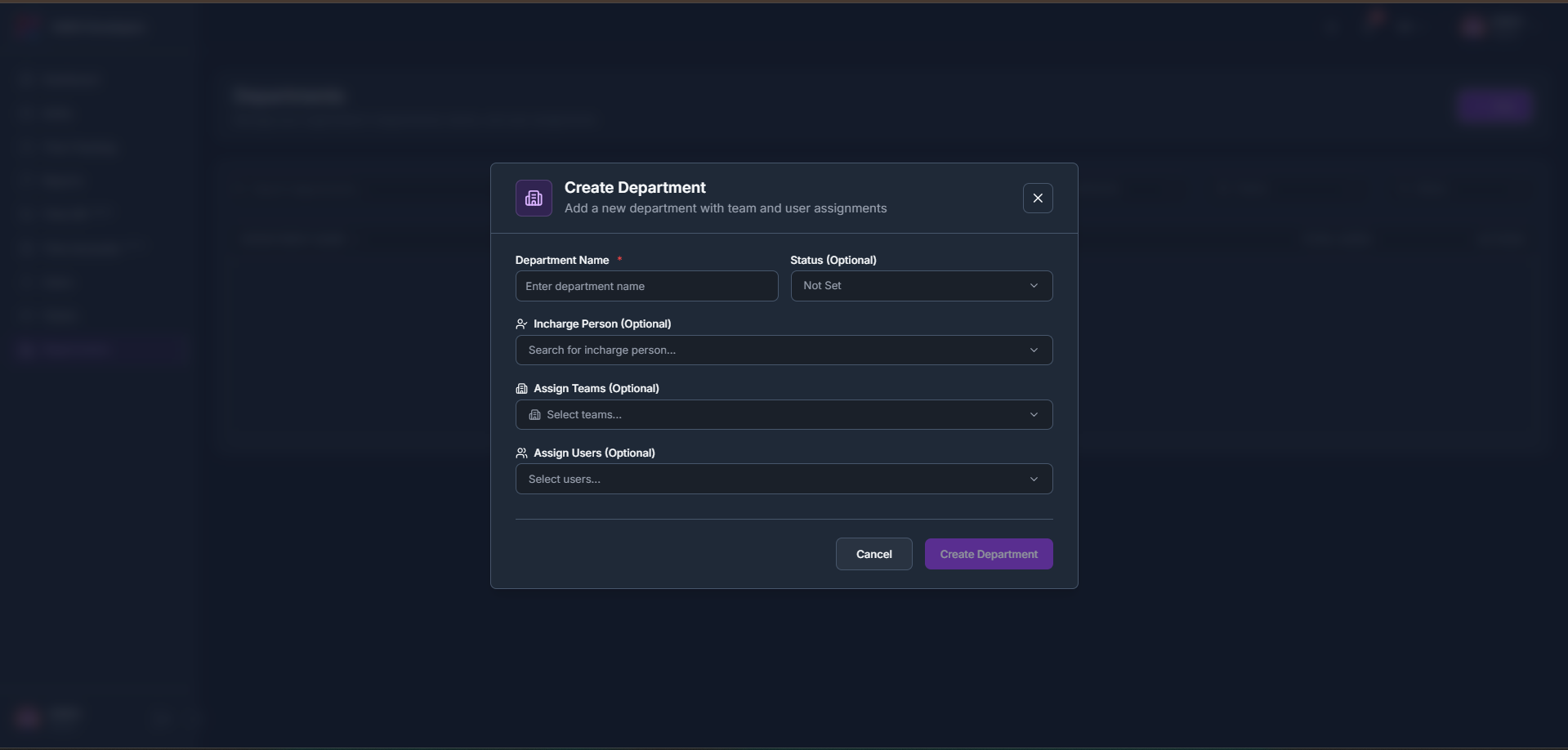
Click + Create Department in the header.
- 2
Enter a Department Name and optionally set a Status, an Incharge Person, and Assign Teams and Assign Users.
- 3
Click Create Department to save.
Leave a Reply